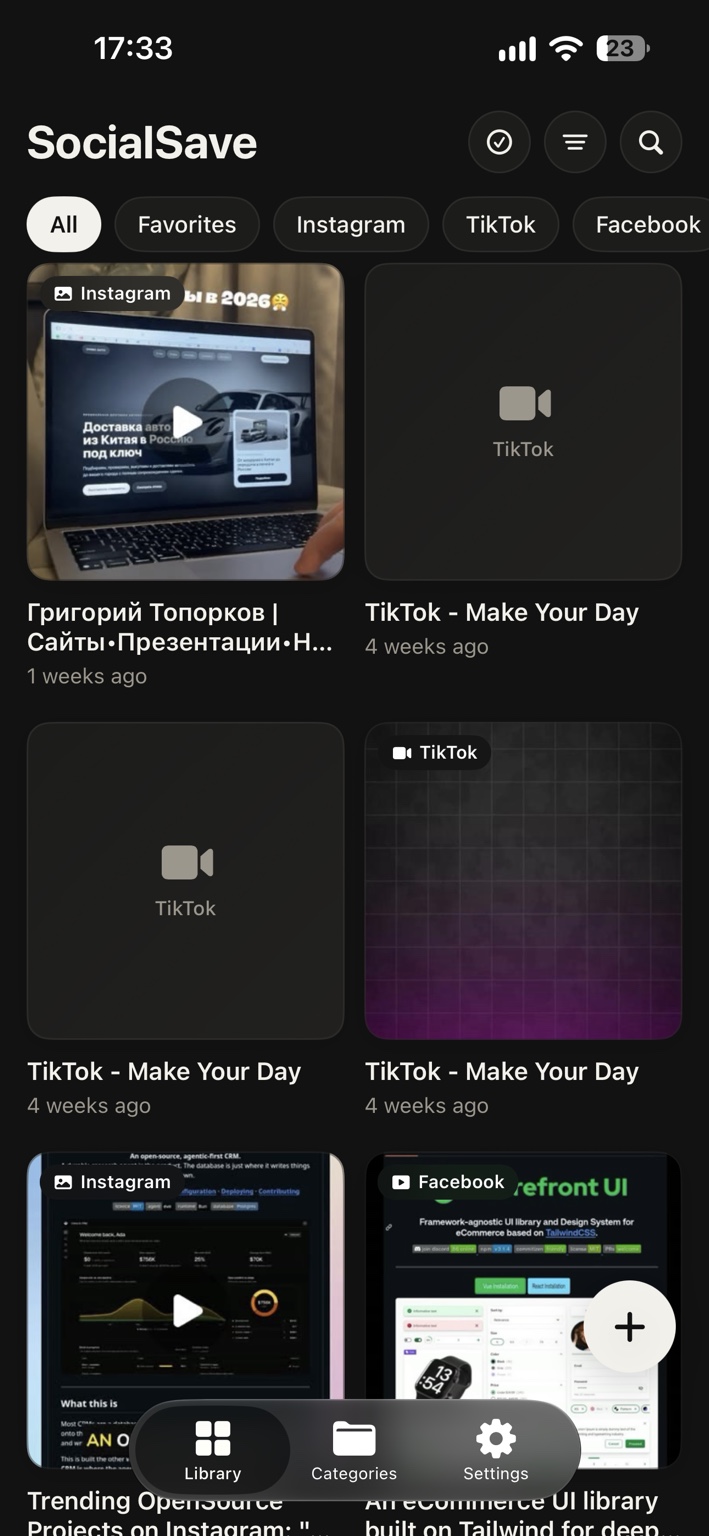
All togetherDifferent apps.
Fewer places to look. More things to love.Different apps.
One beautiful library.
Posts, videos and links, side by side. Your favorite corners of the internet, finally in one place.
Save the posts, videos and links you love. Find them again, exactly when you need them.
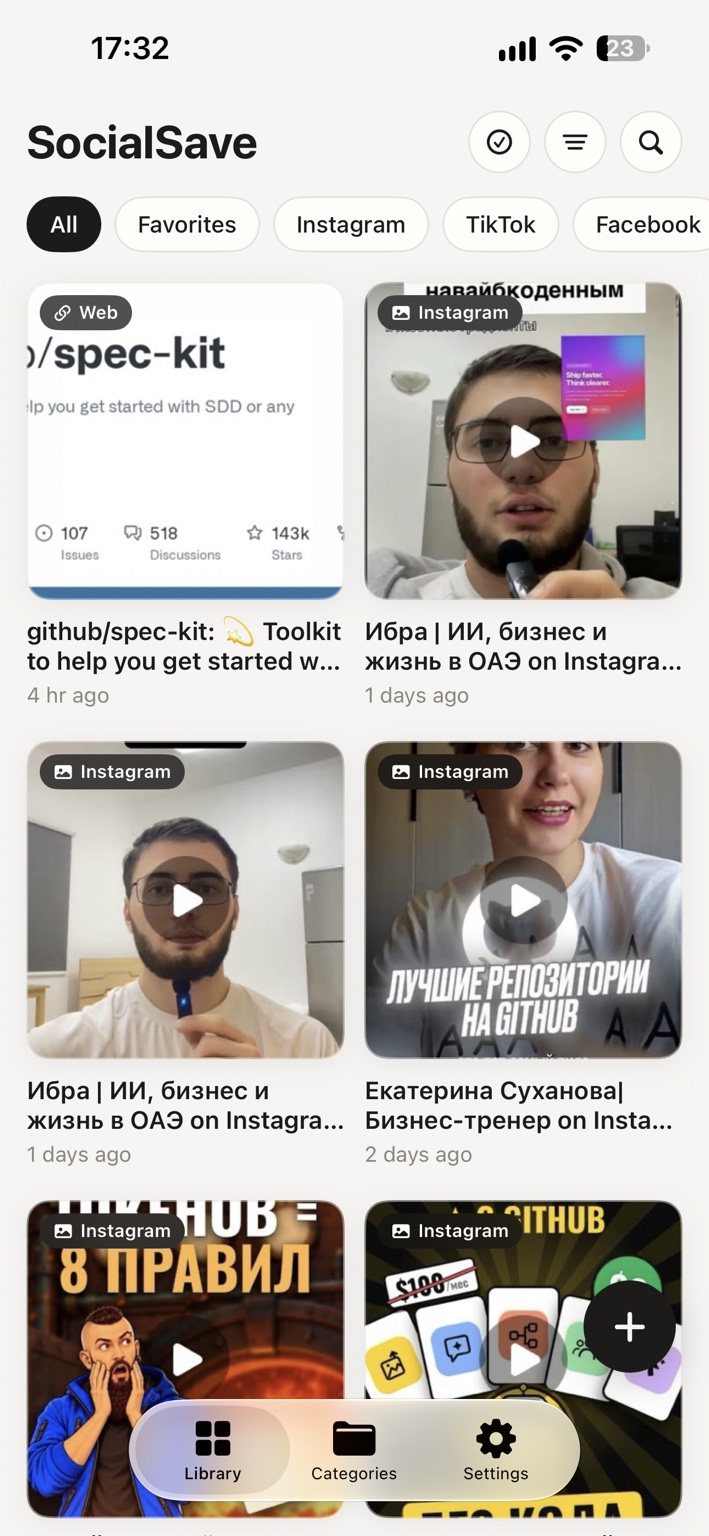
Recipes for the weekend. A place to visit. That idea you can’t stop thinking about. Give every good find a place to live.
Posts, videos and links, side by side. Your favorite corners of the internet, finally in one place.
Make categories. Star your favorites. Find what you’re looking for with search.
A weekly reminder brings you back to your finds. Because the good stuff deserves a second look.
Just use the share menu. SocialSave takes it from there.
A post, a video, a recipe or a link. Anything you want to keep close.
Choose SocialSave from the share menu in the app you’re already using.
Give it a category, mark it as a favorite, or let it brighten your day again.
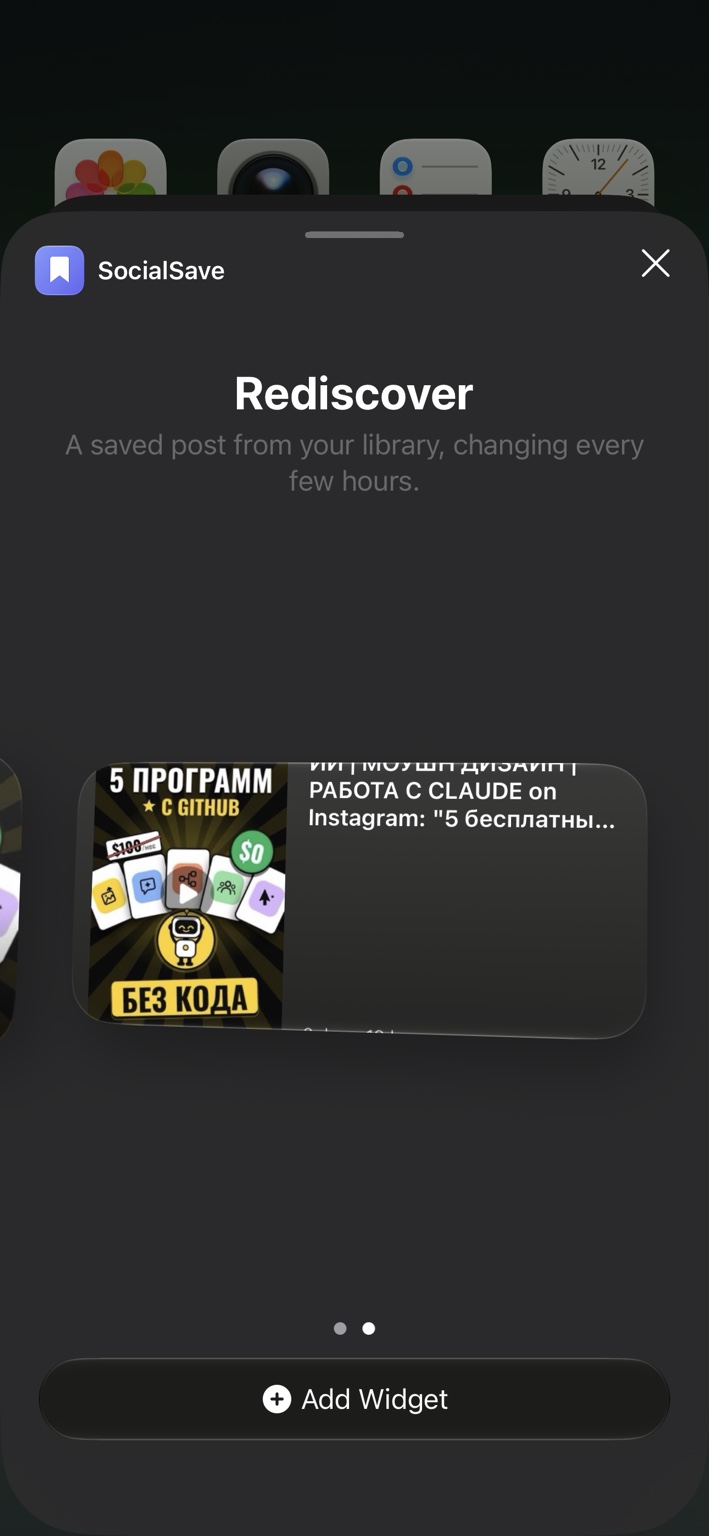
Add the Rediscover widget to your Home Screen. A saved post from your library comes back into view, changing every few hours.
A little reminder of what caught your eye.
Posts, videos and links from Instagram, TikTok, YouTube, Facebook and the web, all together in your SocialSave library.
Open the share menu in the app you’re using and choose SocialSave. If you don’t see it, tap More and turn SocialSave on.
Add the SocialSave Rediscover widget to your iPhone Home Screen. It shows a saved post from your library and changes every few hours.
Yes. Turn on Weekly Reminder in Settings and choose the day and time that work for you. You’ll get a short summary of what you saved, once a week.
Only on your iPhone. There’s no account to create, and nothing is sent to our servers.
